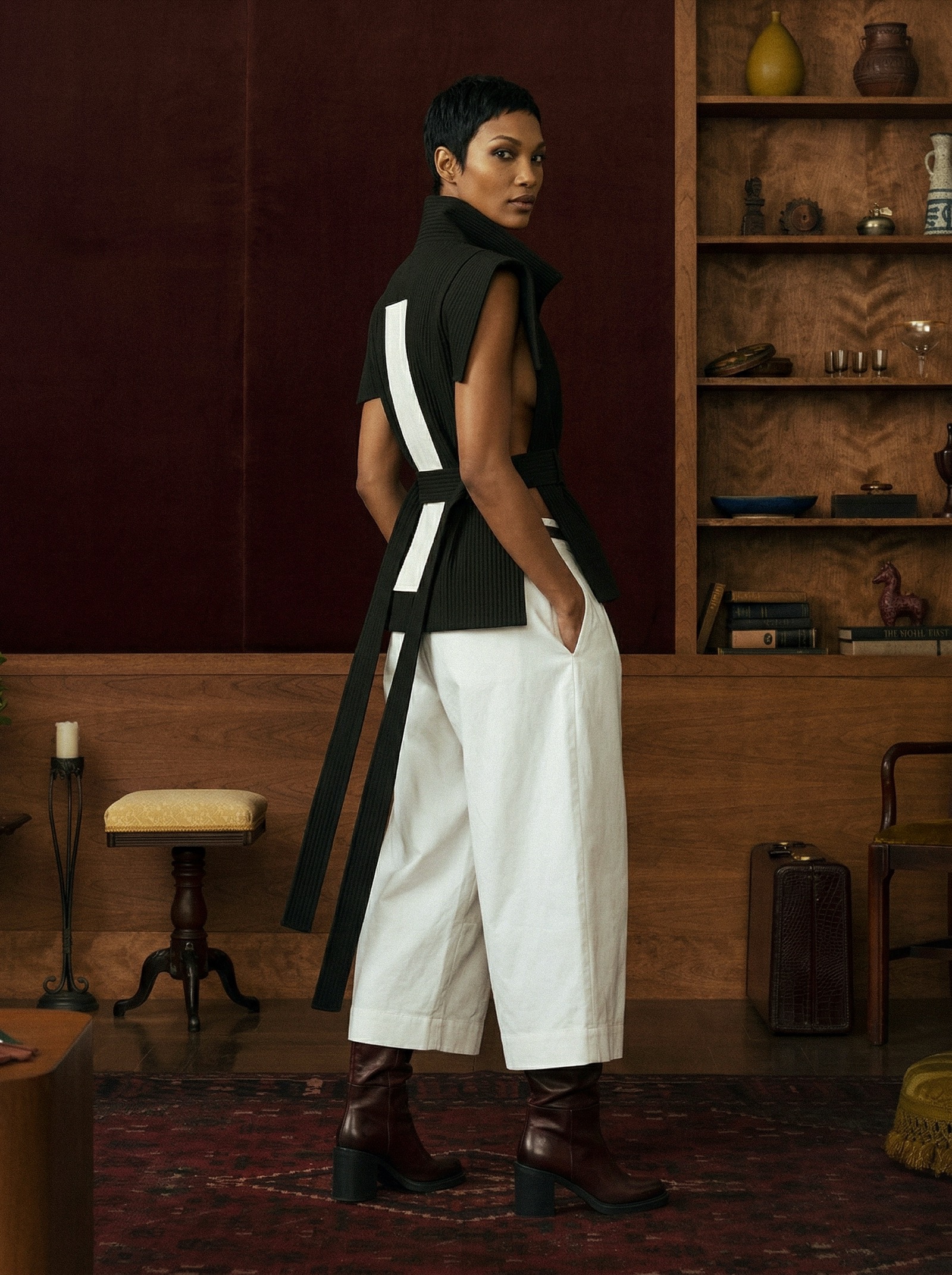
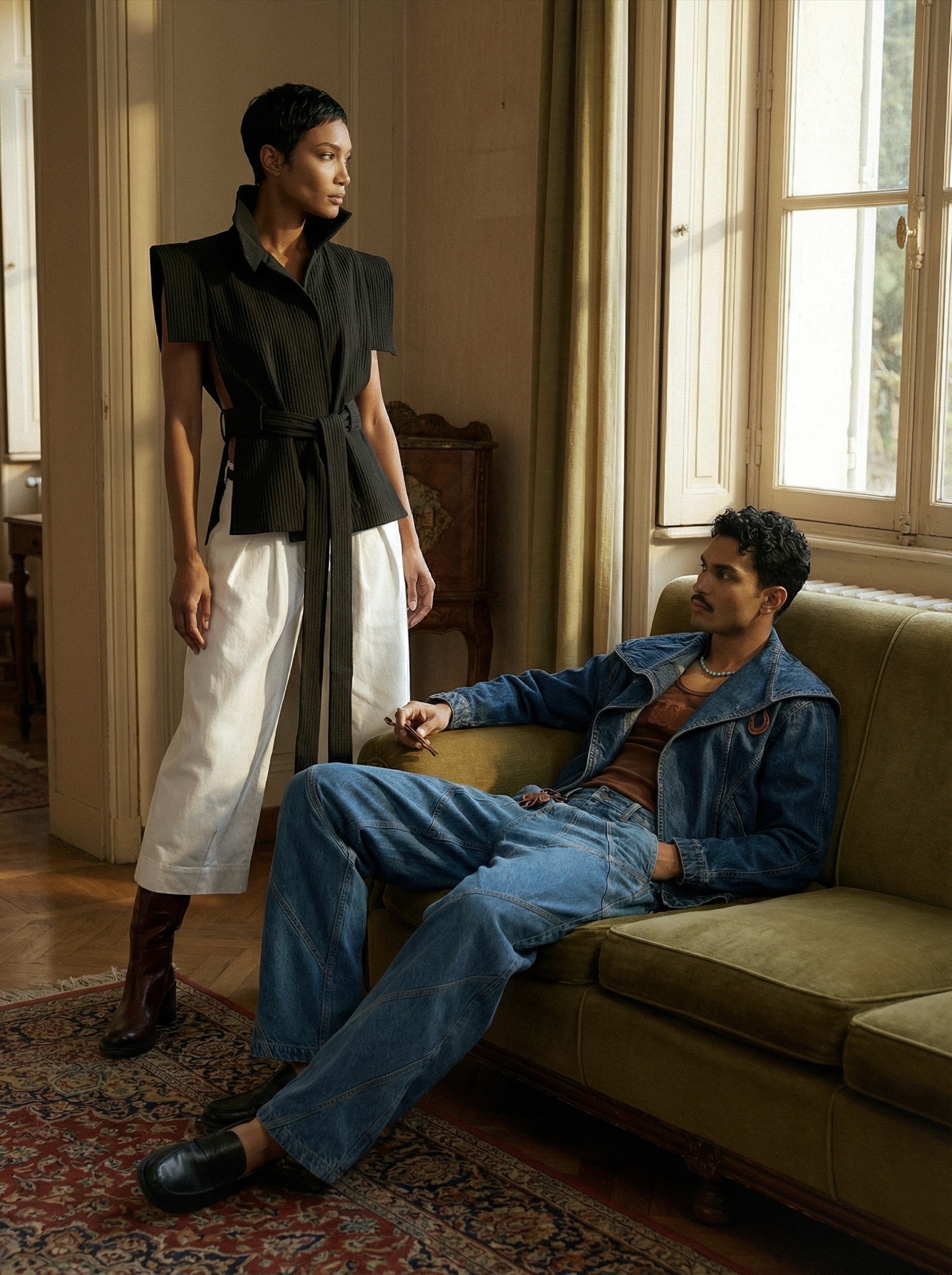
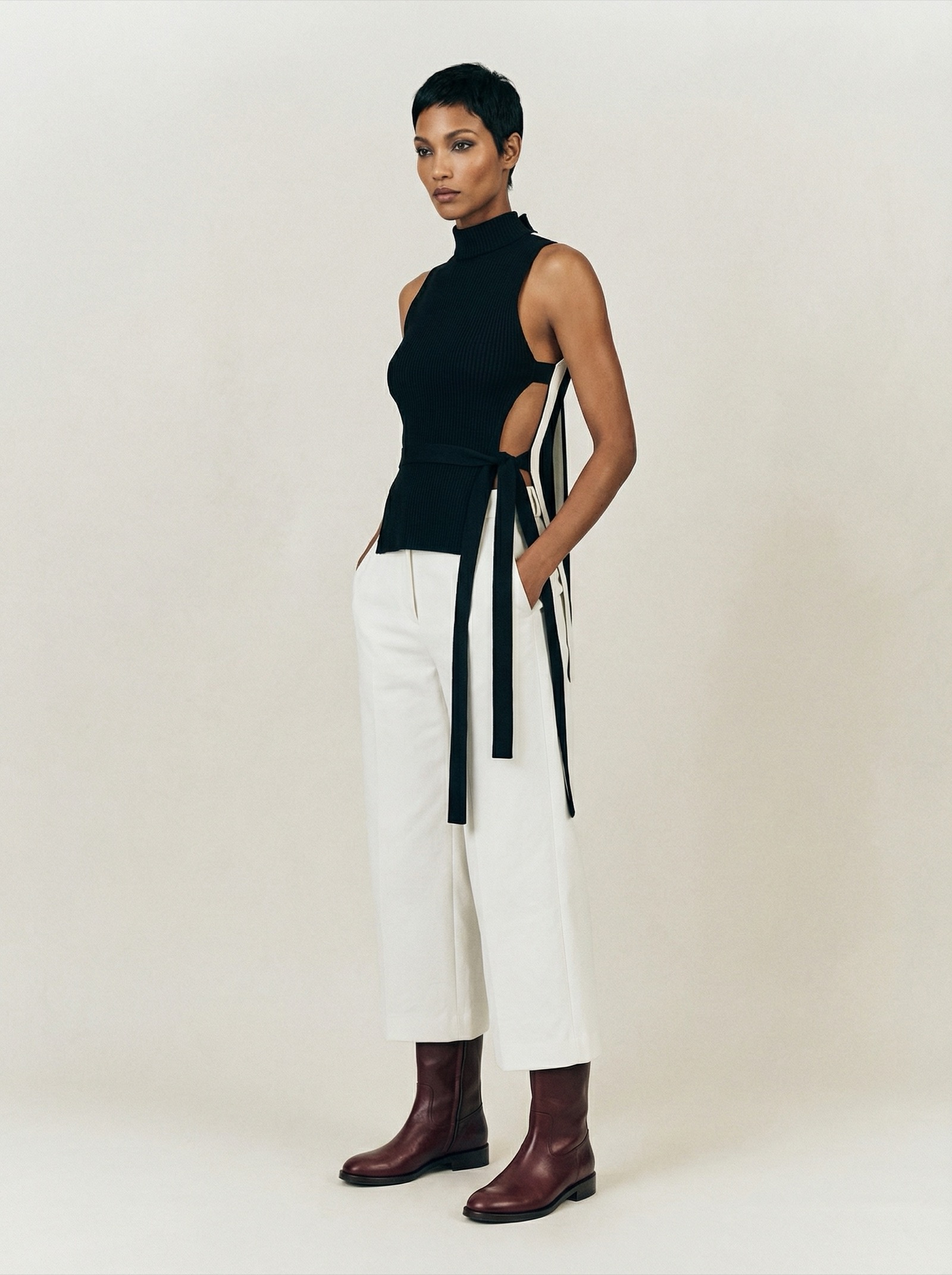
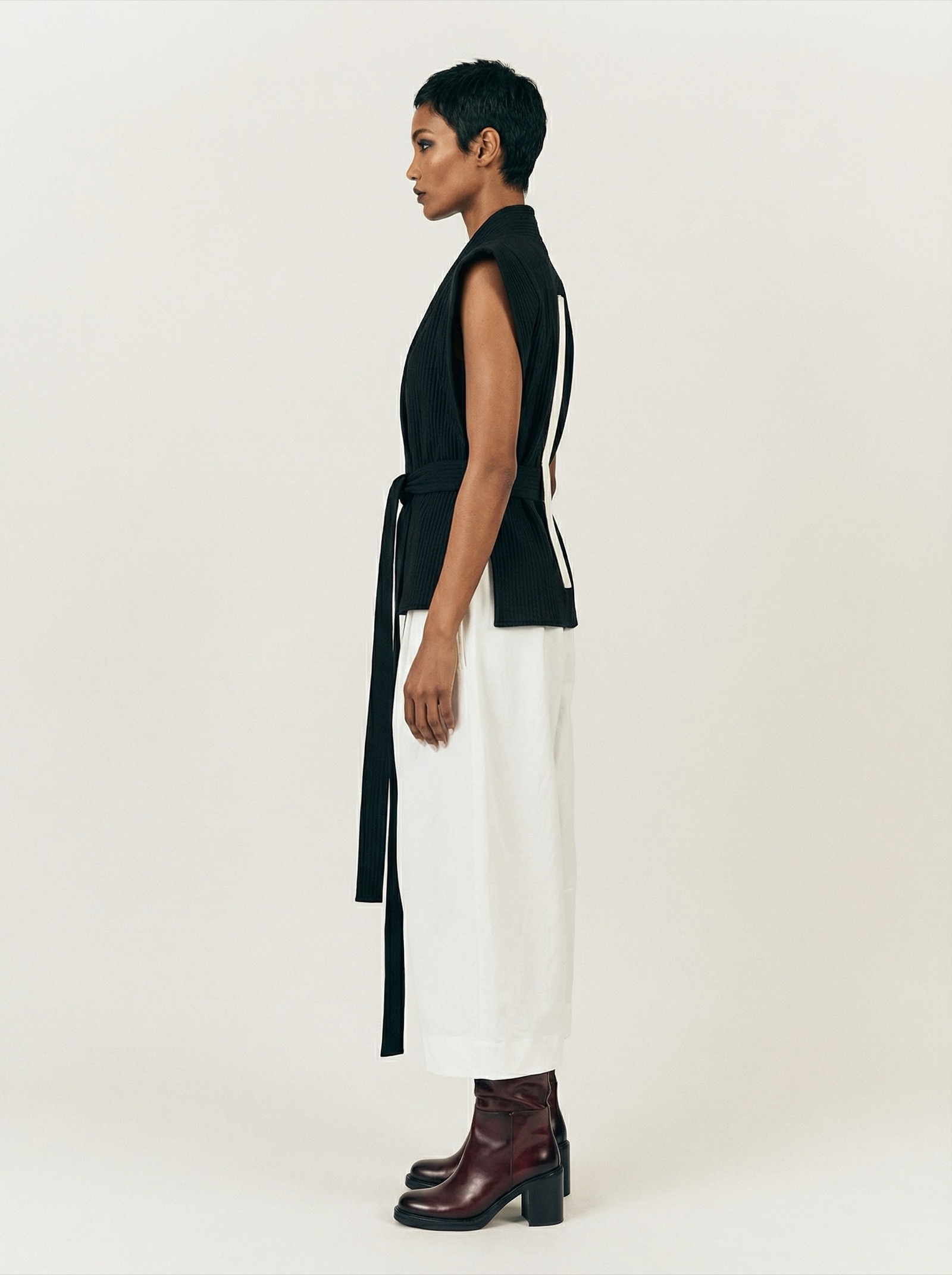
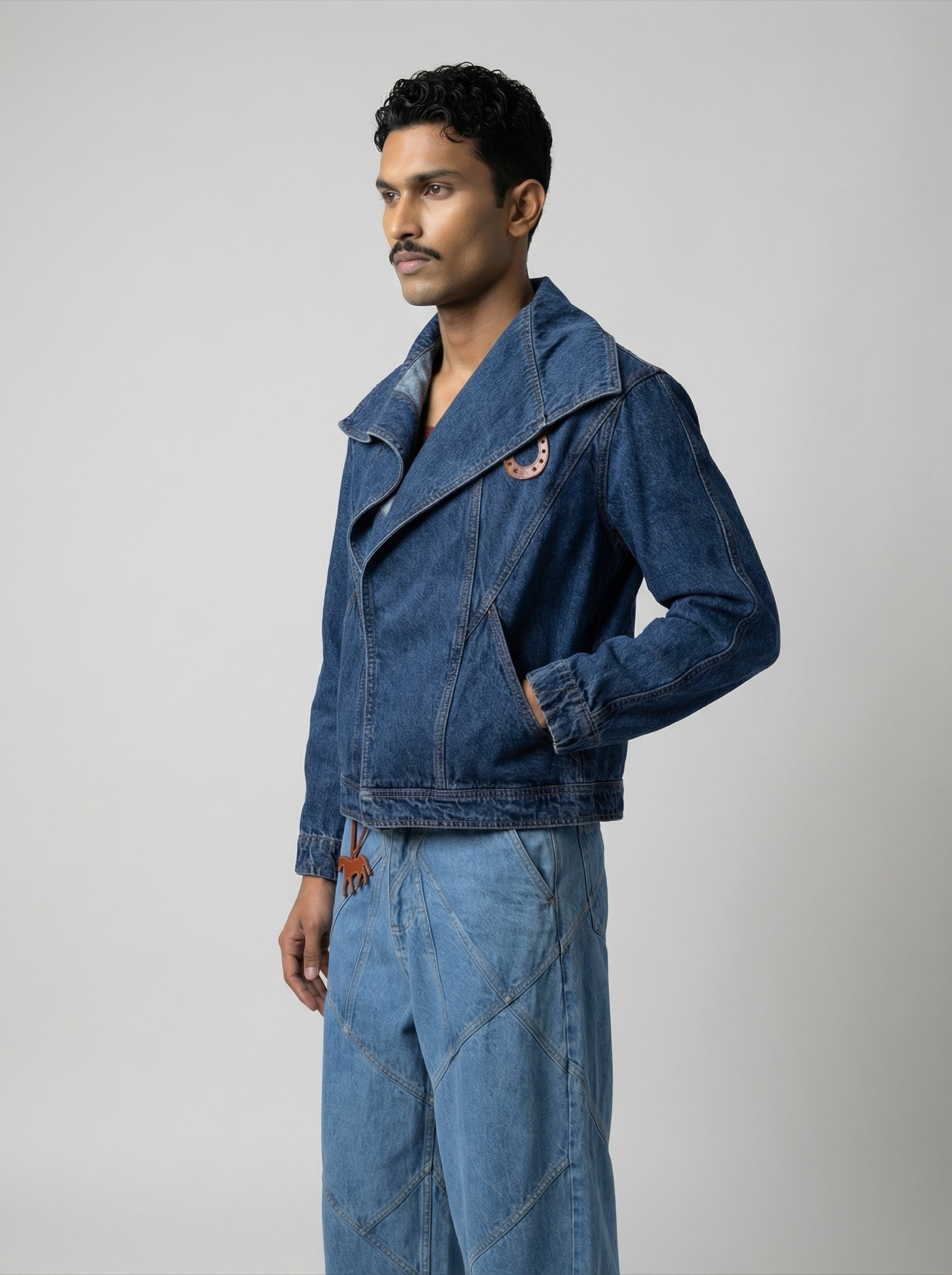
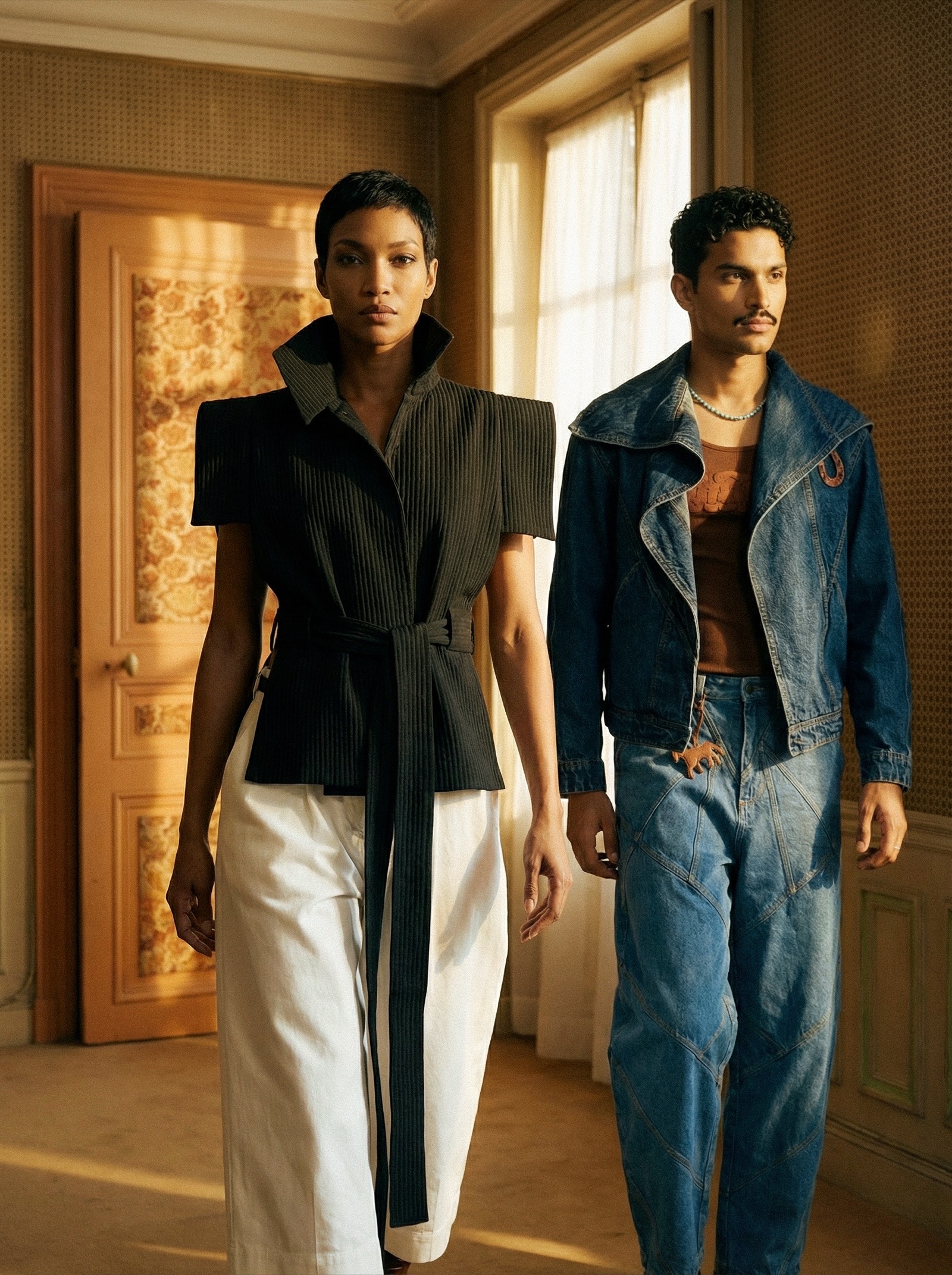
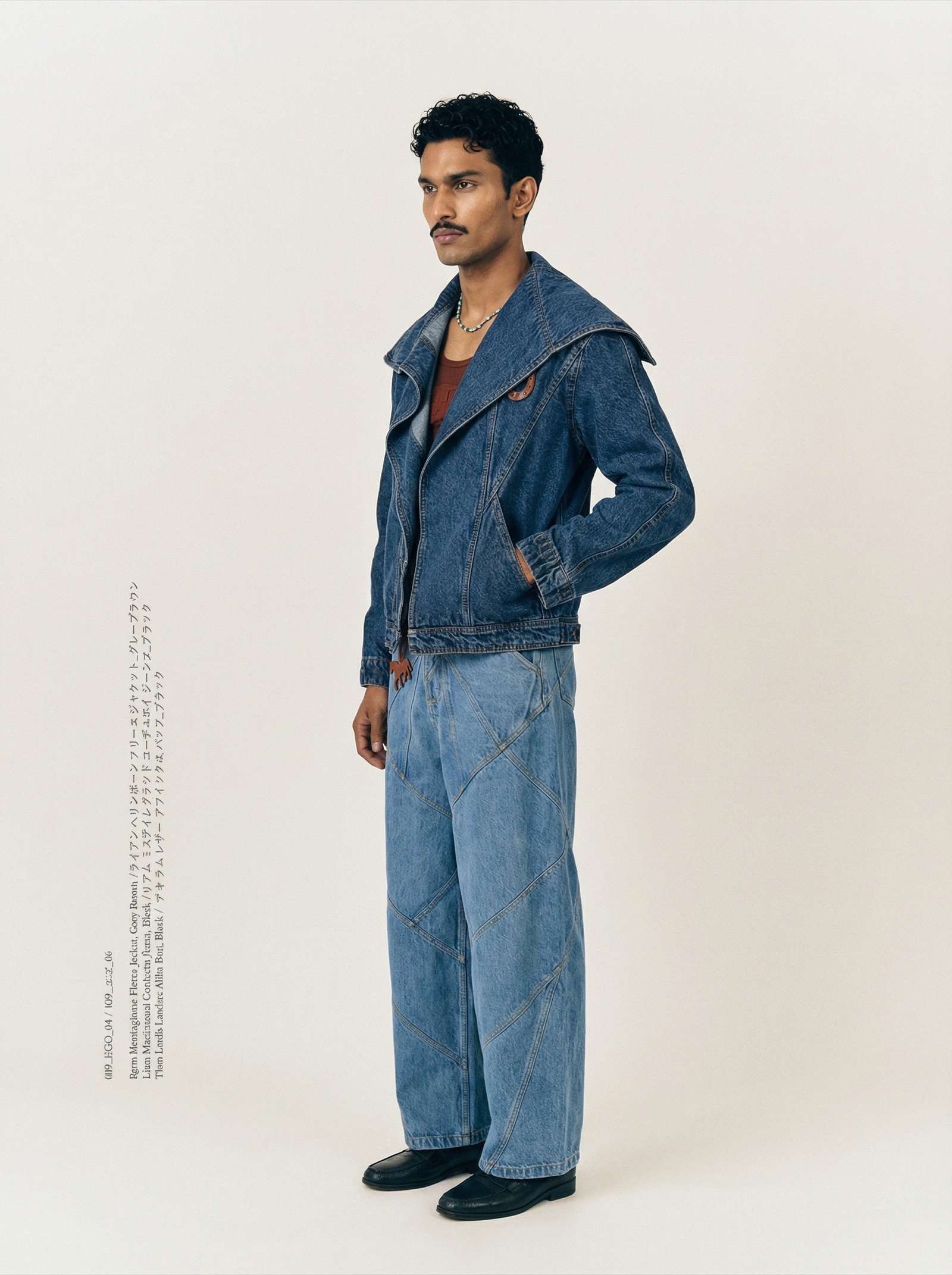
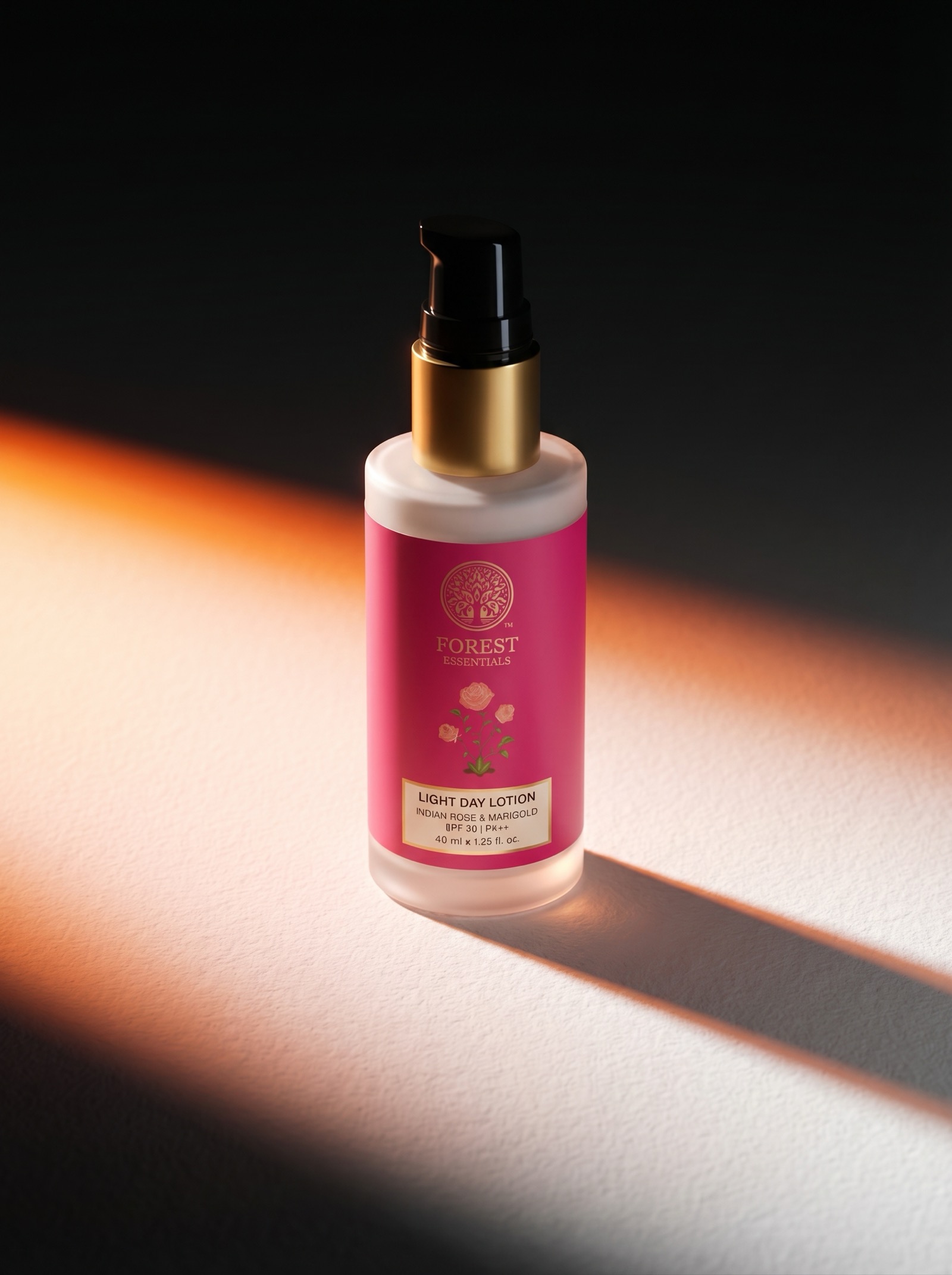
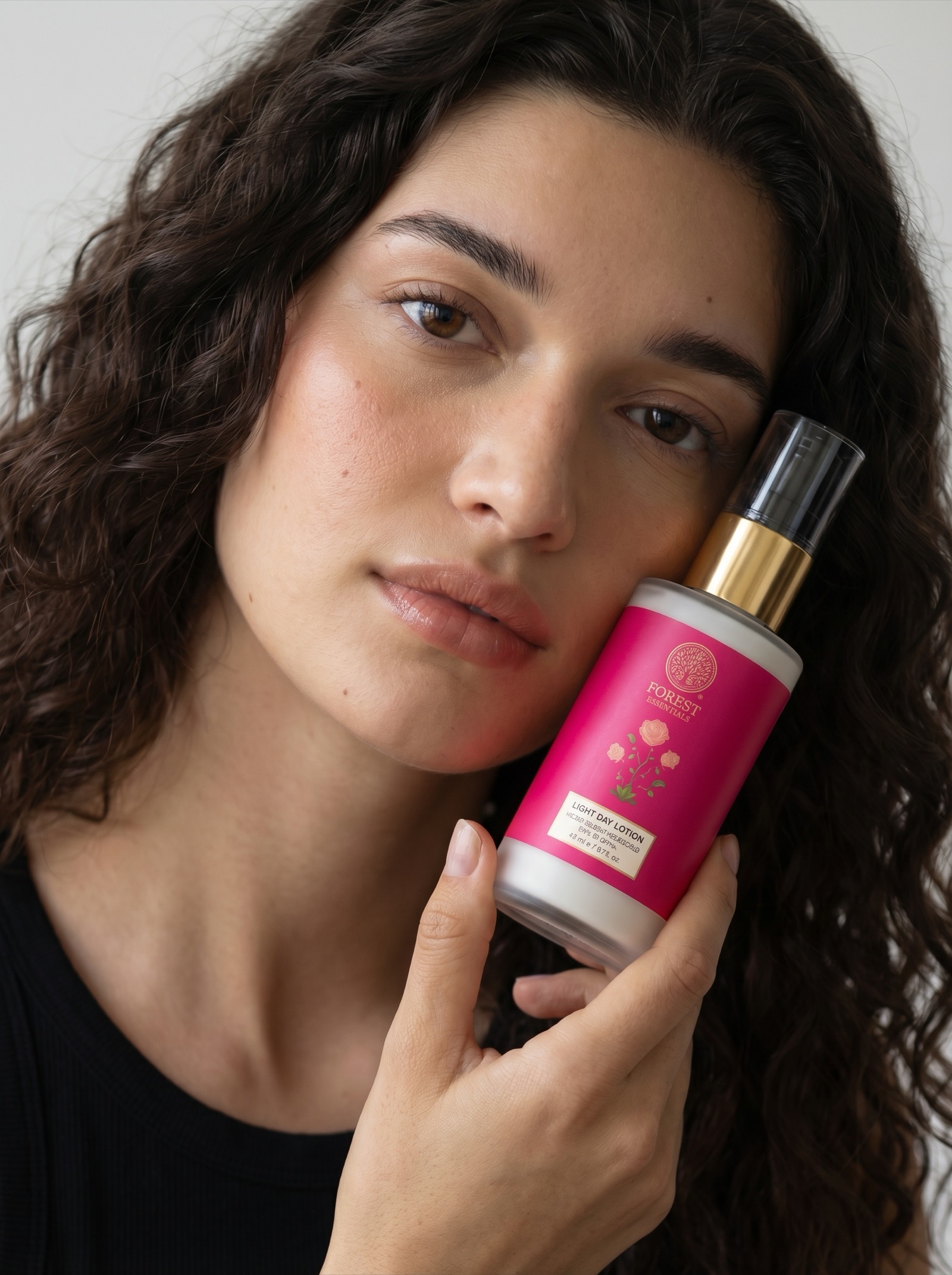
Campaign heroes your creative director would sign off on
Editorial lookbooks, not stock product grids
Graphics, typography, collage — one place
Direction, not just generation
Both. Same studio.
// Three Studios
One creative eye. Three outputs.
01
Jewelry
From CAD files to photorealistic renders. Catalogs that look shot on a set.
CAD to Image
Catalog
Bulk Catalogue
Model Lookbook
02
Fashion
Lookbooks, product shots, e-commerce. Your brand's model, every piece.
Product Shot
Lookbook
E-Commerce
Sketch to Product
Create Model
03
Studio
Campaign design, graphics, collage, editing. When a product grid isn't enough.
Campaign Design
Image Editor
Graphics
Collage Maker
// The Process
Three moves. Every project.
01
Upload
Your references, mood, brand codes. Product photos, sketches, moodboards — anything that carries your direction.
02
Direct
Set angles, lighting, model identity, the exact look you want. The AI follows your brief — not the other way around.
03
Deliver
Studio-grade output in hours, not weeks. Refine, upscale, add to your portfolio. Ready for campaigns, catalogs, or shelf.
// Capacity
What LumiQ does in a day.
0
Images in 24 hours
0
Images per hour (10 RPM)
13·3
Workflows · Studios
∞
Refinements, same brief
// What is LumiQ
We built LumiQ because D2C brands kept losing quality in the handoff. Your catalog vendor shoots volume. Your campaign agency shoots craft. Nobody owns the whole look. LumiQ is where both happen, directed by one creative eye — yours. Upload your references, set your direction, get studio-grade output in hours, not weeks. From 500 SKUs to one hero frame, everything comes out of the same studio.
// Pricing
Studio output. Transparent pricing.
Credits roll over for 3 months — no seat fees, no surprises. Pay only for what you create.
Starter
Rs 999/mo
Rs 10,189/yr
800 credits / month
~29 product shots (2K)
~20 lookbook images (2K)
~12 campaign visuals (2K)
CAD to Image
Product Shot & Catalog
Image Editor
1K → 4K resolution
Credits roll over 90 days
Rs 1.25 / credit
Most Popular
Pro
Rs 2,999/mo
Rs 30,590/yr
3,000 credits / month
~111 product shots (2K)
~75 lookbook images (2K)
~46 campaign visuals (2K)
Everything in Starter
Model Lookbook
Bulk Catalogue
E-Commerce visuals
Credits roll over 90 days
Rs 1.00 / credit
Premium
Rs 9,999/mo
Rs 1,01,990/yr
12,000 credits / month
~444 product shots (2K)
~300 lookbook images (2K)
~184 campaign visuals (2K)
Everything in Pro
Campaign Design
Graphics & Collage
Sketch to Product
Credits roll over 90 days
Rs 0.83 / credit
Enterprise
Rs 41,999/mo
Rs 4,28,390/yr
66,000 credits / month
~2,444 product shots (2K)
~1,650 lookbook images (2K)
~1,015 campaign visuals (2K)
Everything in Premium
Priority support
Dedicated account manager
Batch processing (24hr)
Credits roll over 90 days
Rs 0.64 / credit
All plans include full access to every workflow. Request access →
Request access.
LumiQ is invite-only. Tell us about your brand and we'll set up your studio access within 24 hours.
"The AI is the production team. The Creative Director is the product."
LumiQ.
Use the Google account your brand uses.
The AI is the production team. The Creative Director is the product.
LumiQ.
U
LumiQ.
LumiQ.
Jewelry
CAD to Image
Catalog
Model Lookbook
Bulk Catalogue
Fashion
Product Shot
Lookbook
E-Commerce
Sketch to Product
Create Model
Studio
Campaign Design
Image Editor
Graphics
Collage Maker
Pages
Portfolio
History
Account
My Credits
All Clients
Feedback
Settings
API Key
Sign Out
Studio
01CAD to Image.// Jewelry
CAD FileClick to upload
Reference ImageLight / Shadow / BG only
02Catalog.// Jewelry
Front ViewClick to upload
3/4 IsoClick to upload
Side ViewClick to upload
Back ViewClick to upload
Lighting RefClick to upload
Model RefClick to upload
02 / JEWELLERYLumiq Pro
Bulk Catalogue.
Upload your product list. One studio reference. Auto-generate multi-angle shots for every SKU.
01 Studio & Model Reference Required
Studio ref locks lighting, background & color. Model refs lock identity — any jewellery in references will be replaced with the product from your CSV.
+
Studio Ref
+
Model 1
Moody · Identity Locked
+
Model 2
Editorial · Identity Locked
02 Placement & Formation Reference Placement Only
Show how jewellery sits, drapes & is positioned on the body at each angle. The design is NOT locked — only the placement, scale & formation type (chain drape vs solid structure) are used.
+
Front 0°
Placement · Front
+
3/4 View
Placement · 3/4
+
Side 90°
Placement · Side
⚠ These images lock placement, scale & formation only — chain drape, solid structure, how it sits on skin. The actual product design comes from your CSV.
03 Shot Angles 3 selected
Each selected angle generates 1 image per SKU. Model angles require model reference images in Step 01.
Product Shots
◉Front 0°Clean front-facing✓
◈3/4 IsometricDepth & dimension✓
◑Side 90°Pure side profile✓
Model Shots — upload model refs first
👤Model MicroChin-to-chest · Moody crop
📸LifestyleEditorial · Full body
04 Product List Design Control
Each row controls the exact jewellery output — design images, subcategory, formation, color, style & more. Attach up to 3 product images per SKU.
CSV
Google Sheet
ZIP + Images
📄
Drop your CSV here or click to upload
SKU · Name · Subcategory · Formation · Metal · Finish · Color · Stone · Size · Style · Design Notes · Image1 · Image2 · Image3
✓products.csv
Use same columns as CSV. Image columns accept Google Drive shareable links.
📦
Upload ZIP with product images + CSV
Include products.csv + image folders named by SKU (e.g. SKU001/front.jpg, SKU001/side.jpg)
SKU
Product
Category
Style
Size
Stone
Metal
Images
05 CSV Column Mapping
Advanced▸ expand
Map your CSV column names to internal fields. Saved per-device; admins can push to all users.
Field Aliases
Image Columns (ordered by priority)
Composite Notes (auto-merged into notes field)
Other Settings
0SKUs
×
0Angles
=
0Total images
0 crEst. credits
—Est. time
⚠ Run a test first — batch unlocks after approval
06 / FASHIONLumiq Pro
Fashion Bulk.
Upload your garment list. Two model references. Auto-generate 5 fixed angles per SKU — front, side, back, lifestyle, crop detail.
01 Model References Required
Model 1 is used for Front, Side, Back, and Crop angles. Model 2 is used for the Lifestyle angle (falls back to Model 1 if not provided). Identity, hair, makeup, lighting, and background are locked from these images — only the garment changes per row.
+
Model 1
Front · Side · Back · Crop
+
Model 2
Lifestyle (optional)
↳ Styling References Optional
Upload the styling elements worn with every garment in this batch — shoes, jewellery, scarves, bags, or any accessories. The model will wear all of these in every output alongside the garment from the CSV.
+
Footwear
Shoes · Sandals · Boots
+
Jewellery 1
Necklace
+
Jewellery 2
Earrings
+
Jewellery 3
Rings · Bracelets
+
Props
Scarf · Bag · Jacket · Belt
02 Output Angles 5 fixed per SKU
Every SKU generates these five outputs. Pose changes per angle; identity, hair, makeup, lighting, and background stay locked from the model reference.
▲Front FullFull body, facing camera✓
◑Side Full3/4 turn silhouette✓
▼Back FullBack panel + hemline✓
📸LifestyleEditorial · Model 2✓
⊙Crop DetailFabric · stitch · neckline✓
03 Garment List CSV
Each row is one garment. Add up to 3 Google Drive links per row — front, back, and side views of the garment on a mannequin (styled with shoes & accessories). Required: SKU, Name, Garment Type, Color, Image1. Optional: Image2, Image3, Workflow (fecomm | lookbook), Length, Sleeve, Neckline, Pattern, Fabric, Fit, Notes.
CSV
Google Sheet
ZIP + Images
📄
Drop your CSV here or click to upload
SKU · Name · Workflow · Garment Type · Color · Image1 (front) · Image2 (back) · Image3 (side) · Length · Sleeve · Neckline · Pattern · Fabric · Fit · Notes
✓garments.csv
Use same columns as CSV. Image columns accept Google Drive shareable links.
📦
Upload ZIP with garments.csv + image folders
Include garments.csv + image folders named by SKU (e.g. SKU001/flat.jpg)
SKU
Name
Garment
Color
Length
Workflow
Images
0SKUs
×
5Angles
=
0Total images
0 crEst. credits
—Est. time
⚠ Run a test first — batch unlocks after approval
03Model Lookbook.// Jewelry
Light / BG RefClick to upload
Base ModelClick to upload
Identity Lock — face & body preserved
+
+
+
+
+
+
+
+
+
+
+
+
01Product Shot.// Fashion
Product 1Click to upload
Product 2Click to upload
Product 3Click to upload
Product 4Click to upload
Model ImageClick to upload
Ref ImageClick to upload
Light RefClick to upload
BG RefClick to upload
02Lookbook.// Fashion
Model AnchorClick to upload
Identity Lock — face & body preserved
Clothing▾
+
+
+
+
+
Jewelry▾
+
+
+
+
+
Accessories▾
+
+
+
+
+
Light RefClick to upload
BG / Env RefClick to upload
03E-Commerce.// Fashion
ModelClick to upload
Identity Lock — face & body preserved
+
+
+
+
+
+
+
+
+
+
+
+
+
BG RefClick to upload
Light RefClick to upload
04Sketch to Product.// Fashion
Front ViewClick to upload
Back ViewClick to upload
Attach your artwork design and describe how it should appear on the garment — include placement, technique, and scale.
+
+
+
+
Upload a photo showing how you want the artwork applied to the garment (e.g. a t-shirt mockup with placement).
+
+
Color RefFabric swatch or color
Size Chart Reference▾
Size context helps the AI understand garment proportions.
Light RefClick to upload
BG RefClick to upload
Pro engine recommended for sketch conversion. Flash may timeout on complex sketches.
01Create Model.// Fashion
Face ReferenceYour actual face
Hair RefHairstyle only
Makeup RefMakeup only
Output: White background, black tank top, waist-to-head framing with negative space above.
02Campaign Design.// Studio
Identity Lock — 2 angles per model, up to 4 models
M1
M1+
M2
M2+
M3
M3+
M4
M4+
Location / Set (10 slots)▾
+
+
+
+
+
+
+
+
+
+
Lighting▾
+
+
+
+
+
Pose / Body Formation (strictly followed)▾
+
+
+
+
+
+
+
+
+
+
Props & Set Design▾
+
+
+
+
+
Image Framing & Composition (crop/frame only)▾
+
+
+
+
+
03Image Editor.// Studio
Source ImageClick to upload
BG RefClick to upload
Light RefClick to upload
Pose RefClick to upload
Works with prompts only if no source image is provided.
04Graphics.// Studio
Base ImageClick to upload
*Locked — image will be preserved
LogoClick to upload
Font StyleClick to upload
*Locked
Colour StyleClick to upload
*Strictly applied
Style & placement follows typography reference
+
+
+
+
+
+
+
+
+
+
05Collage.// Studio
+
+
+
+
+
+
+
+
+
*All photos locked — composited exactly as provided, no retouching
Layout RefClick to upload
Typography placement & composition will follow this reference
With your balance you can create — 4K product shots ·— 2K images ·— 1K images.
Plan Rates
1 credit = Rs 1 · rolls over 3 months
Starter
800 cr/mo
Rs 999/mo · Rs 1.25/credit
Pro
3,000 cr/mo
Rs 2,999/mo · Rs 1.00/credit
Premium
12,000 cr/mo
Rs 9,999/mo · Rs 0.83/credit
Enterprise
66,000 cr/mo
Rs 41,999/mo · Rs 0.64/credit
Recent Usage
Date
Workflow
Images
Credits
Status
No generation history yet. Start creating to see your usage here.
My Plan
Plan
—
Credits / Month
—
Rollover
—
Unused credits roll over within your plan's rollover window. Bonus credits never expire. Contact admin to upgrade your plan or add credits.
Credits & Billing
Manage client credits, plans, and revenue tracking
🚨 Pending refund dead-letters
These refunds failed to write back to D1. Credits were NOT returned to the user. Click Resolve to retry, or Discard if you have already reconciled manually.
When
User
Amount
Generation
Workflow
Error
Action
MRR
Rs 0
monthly recurring revenue
Active Clients
0
of 0 registered
Images Generated
0
this month
Revenue / Client
Rs 0
average
Credits Sold
0
this month (plan + top-up)
Credits Used
0
0% utilization
COGS Burned
Rs 0
actual API spend
NET PROFIT
Rs 0
0% margin
Profit Dashboard
—
Images (30d)
0
Revenue (MTD)
Rs 0
COGS (MTD)
Rs 0
Profit (MTD)
Rs 0
0% margin
Live vs Batch (this month)
Mode
Images
Revenue
COGS
Profit
Margin
Loading…
Top Customers (this month)
Email
Images
Revenue
Profit
Margin
Loading…
Plan Breakdown
Plan
Images
Revenue
Profit
Margin
Loading…
Plan Distribution
Starter
0
Pro
0
Premium
0
Enterprise
0
Client Accounts
Client
Company
Plan
Access
Credits
Used (Total)
Status
Last Active
Actions
No clients yet. Click "Add Client" to register one.
Workflow Credit Pricing
Config Sheet editable
Workflow
1K
2K
4K
All Workflows
25
50
100
Loading client rates…
Subscription Plans
Plan
Price/Month
Credits/Month
Per Credit
Rollover
Priority
CSV Export
Recent Transactions
Time
Client
Type
Credits
Balance
Workflow
Model
Mode
COGS
Profit
No transactions recorded yet.
Requests & Feedback
Client purchase requests, access requests, and in-app feedback
Daily snapshots of D1 tables and KV config · 30-day retention · download as CSV
Full history archive
Download every available snapshot of a table as one consolidated CSV (with a _snapshot_date column). Useful for archiving before 30-day rollover.
Snapshots
One row per day. Click any cell to download that table as CSV for that date.
Date
Users
Transactions
Contacts
Feedback
KV Config
Rollover
No backups yet. Click "Run backup now" to create the first snapshot.
Settings
Workflow model routing, COGS tuning, plan editor
Workflow → Model Routing
admin overrides saved to Config sheet
Pick which Gemini model each workflow uses. Standard → NB2 (fast/cheap), Premium+Creative → NB Pro (quality). Batch mode is 50% cheaper but delivers in 24h — use for bulk jobs.
Workflow
Tier
Routing (Model · Mode)
COGS @ 4K (Rs)
Sells @ 4K (Rs)
Margin
Subscription Plans (editable)
Plan
Price (Rs/mo)
Credits/mo
Bonus %
Rollover (days)
Top-up Packs (never expire)
Pack
Price (Rs)
Credits
Bonus
Starter Top-up
Rs 499
500
—
Growth Top-up
Rs 1,999
2,500
+25%
Scale Top-up
Rs 7,999
12,000
+50%
COGS Reference (Rs per image)
Model
Mode
1K
2K
4K
Nano Banana 2
Live
Rs 6.72
Rs 10.13
Rs 15.15
Nano Banana 2
Batch (24h)
Rs 3.41
Rs 5.02
Rs 7.62
Nano Banana Pro
Live
Rs 13.44
Rs 13.44
Rs 24.07
Nano Banana Pro
Batch (24h)
Rs 6.72
Rs 6.72
Rs 12.04
Plan Per-Credit Rates (Rs per credit)
Default per-credit rate by plan. Applied to all clients unless overridden below.
Plan
Rate (Rs/credit)
Client Rate Overrides (by email)
Override the per-credit rate for specific clients. Leave blank to inherit plan default.
Email
Plan
Custom Rate
Upgrade your plan
More credits, better margins. 1 credit = Rs 1. Rolls over 3 months.
STARTER
Rs 999/mo
800 credits
~20 × 4K standard
PRO +25%
Rs 2,999/mo
3,000 credits
~75 × 4K standard
POPULAR
PREMIUM +50%
Rs 9,999/mo
12,000 credits
~300 × 4K standard
ENTERPRISE +95%
Rs 41,999/mo
66,000 credits
~1,650 × 4K standard
All plans: Live generation · Nano Banana 2 + Pro models · R2 storage · Library · Support. Credits roll over 3 months.
Buy top-up credits
Never expire. Use anytime.
400 cr
Rs 499
1,600 cr
Rs 1,999
6,400 cr
Rs 7,999
Payments are processed manually today. Clicking Buy opens a quick request form — we'll reach out within 24 hours.
Request plan
We'll reach out within 24 hours to complete payment & activation.
—
—
Change Plan
We'll reach out within 24 hours to process your change.
—
Change Plan
—
—
Checked = credits reset to new plan's grant. Unchecked = new grant added to current balance.
Suspend Client
—
Logged to transaction audit trail.
Client History
—
Date
Type
Amount
Balance
Description
No transactions yet.
Add New Client
Studio (Campaign / Editor / Graphics / Collage) is always granted.
Add Contact
Edit Studio Access
Studio (Campaign · Editor · Graphics · Collage) is always granted to every client.
Add Bonus Credits
Portfolio
No portfolio images yet
Generate an image, then click Add to Portfolio to curate your best work here.
Generation History
Batch Queue
No generations yet
Every image you generate appears here. Your full history is always one click away.
💎
Jewelry
CAD to Image · Catalog · Lookbook
›
👗
Fashion
Product Shot · Lookbook · E-Commerce · Model
›
🎨
Studio
Campaign · Image Editor · Graphics · Collage
›
Workflows
U
User
Credits—
My Credits ›
Portfolio ›
API Key ›
All Clients ›
Feedback ›
Settings ›
Sign Out ›
Select Category
API Key Settings
Checking...
Enter a Gemini API key with billing enabled. Saved keys are stored securely on the server.
Transfer to Workflow
Report an issue or suggestion
LumiQ.
Welcome back.
Your Credits—
✓
Request received!
We'll review your details and be in touch within 24 hours.